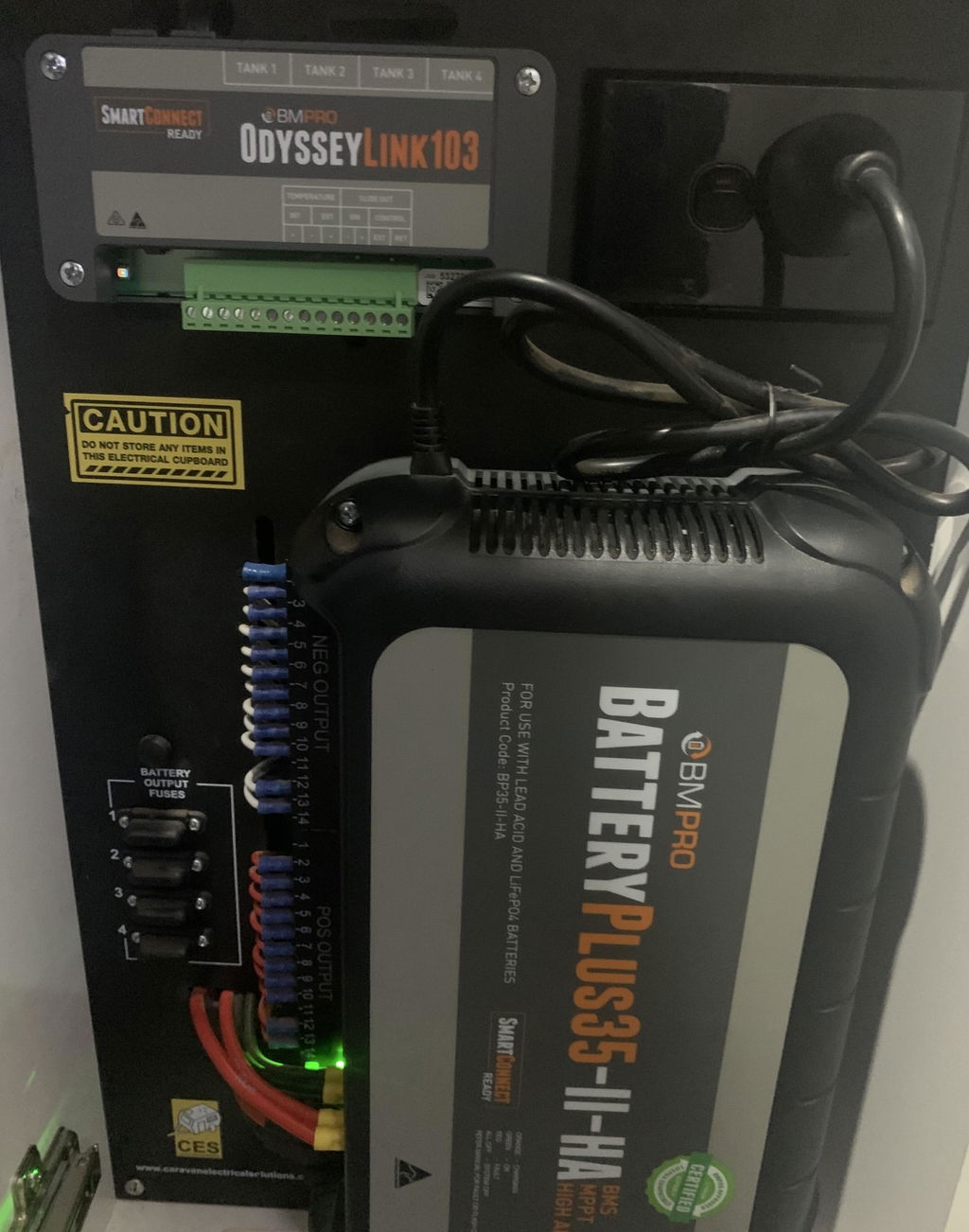
BMPRO OdysseyLink104 for Odyssey and SmartConnect Systems
OdysseyLink104 Communication Centre for Smart RV Systems
The OdysseyLink104 acts as a communication hub for smart RV systems including Odyssey and SmartConnect. It connects your vehicle’s power management system to the monitor or app via wireless or CAN bus communication.
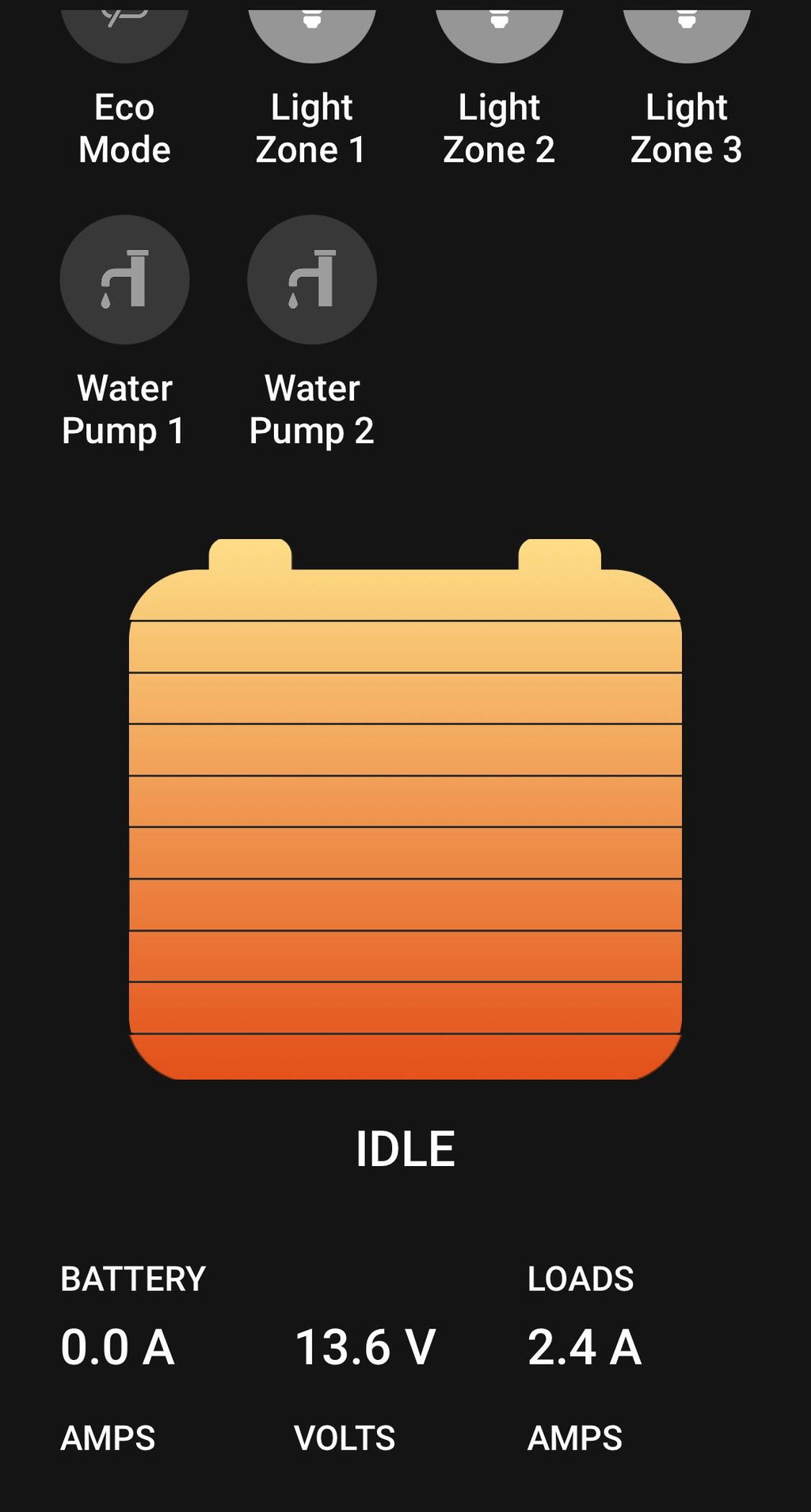
Supplied as standard in 2022 onwards with major Australian RV brands, the OdysseyLink104 enables use of the Odyssey app on smartphones.
Combine OdysseyLink104 with RVView2 or Trek3 to create a complete Odyssey system. It is also SmartConnect ready, supporting Bluetooth sensor connections like SmartSense, SmartTemp, and SmartPressure.
Existing caravan owners with Odyssey onboard can upgrade their current OdysseyLink to the OdysseyLink104 for SmartConnect compatibility and expanded integration.
Specifications
- Input Voltage: 8-15V DC
- Battery Drain: 21mA
- Operating Temperature: 0-50°C
- Cable Length: 0.5m
- Dimensions: 155 x 75 x 23 mm
Features
-
SmartConnect ready – connect multiple Bluetooth sensors
- Part of the Odyssey Smart RV system
- Includes data cable for connection to BatteryPlus35
- Wireless and CAN bus communication options
- Compatible with Odyssey app for smartphone monitoring
Retrofitting Instructions
- Disconnect existing OdysseyLink from BatteryPlus35 Power Management System
- Connect new OdysseyLink104 node to BatteryPlus35
- On Odyssey screen, identify triangle, circle, and square symbols at the bottom
- Tap the square symbol to reduce screen size
- Press ‘Clear all’ in the top right to close the app and return to home screen
- Tap settings icon (gear cog or white circle with six dots) on right side of home screen
- Select ‘Apps and Notifications’ > ‘Odyssey app’ > ‘Storage’
- Tap ‘Clear Data’ then ‘OK’
- Tap back arrow once, then select ‘Permissions’
- Toggle location permissions off and then on
- Return to home screen; open Odyssey app
- When prompted, allow location access
- Click ‘Scan’ when connection options appear
- Within 30 seconds, press black round button on left side of OdysseyLink104 node to pair
- Select matching OD**** number displayed on app
- Wait for app to sync with OdysseyLink104
After syncing, the app is ready for use.
Note: Retrofitting to OdysseyLink104 is required for SmartConnect compatibility.
Requires BMPRO BatteryPlus35 Power Management System revision 12B or higher